Separate Network Usage Type from Proxy Flags
Hosting, Residential, Business, and Wireless describe network allocation type; VPN, Proxy, and Tor are detection flags. Neither ISP names nor outdated labels alone prove current traffic behavior.
Inspect Blocklists Individually by Purpose
Spam and network abuse blocklists serve different purposes. Check per-list statuses and timestamps; if RIPE is still processing in the background, use the refresh button. Unreturned lists are never counted as clean.
Passive Port Records Belong to the Public IP
Shodan InternetDB reflects historical scans of the public IP, which often belongs to a shared proxy server or NAT gateway—not your personal computer. Metadata-linked CVEs do not prove active exploitability.
Combine BGP, ASN, and RPKI Context
Combine origin ASN, BGP prefix, WHOIS country, and RPKI ROA validation to verify the network owner. Missing PTR or Shodan records simply mean no record in that database.
Common Real-World Scenario
For example, if Shodan lists port 22 on your proxy exit IP while your PC runs no SSH server, that record belongs to the remote gateway IP—not your local machine.
Interpret one IP intelligence report
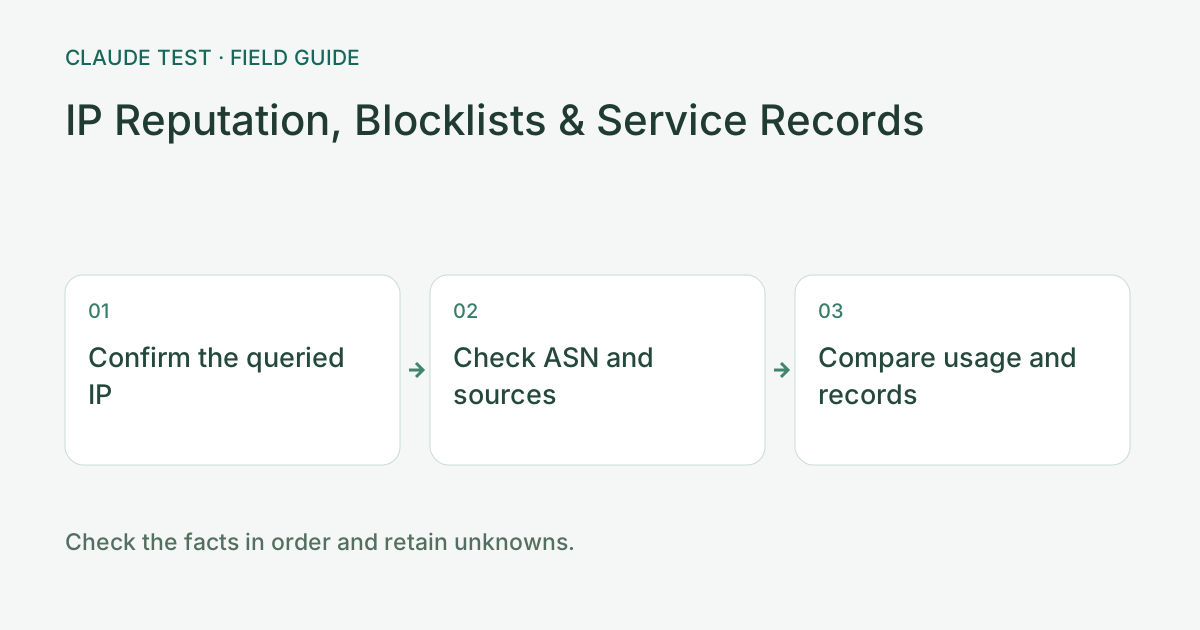
Check the queried address and address family, then the ASN and organization, followed by usage and proxy labels. An offline database provides registration and known-range evidence; no match does not establish residential use. Online labels can lag. Record the source and range of a hosting match rather than classifying an organization solely from its name.
For example, a hosting-range match, PTR hostname, and historical port 22 record may describe related evidence about the same address. A service record may affect the reputation of a shared exit, but it does not establish that your computer exposes that port. Words such as static or dynamic in PTR names do not independently establish network type.
When ASN, country, or usage results conflict, retain each source and timestamp and repeat the query for the same public address. Keep no record, unknown, failed query, and verified non-match distinct. For a confirmed routing or reputation issue, give the network provider the address, time, and specific finding rather than only a total score.
References & Freshness
The above is independent diagnostic guidance with no access to Anthropic internal risk controls. Policies, UIs, and support workflows may change—always verify against official effective dates and your account portal.