Different Address Families Do Not Establish a Leak
IPv4 and IPv6 are different address families. Observing both is normal in a dual-stack browser, and comparing their address strings cannot establish safety. Different sites and applications may choose different families; account restrictions are a separate question.
The goal is to establish which request used which address family and whether it matched your intended routing. Keep unmeasured connections unconfirmed rather than extending a successful reference probe to every application.
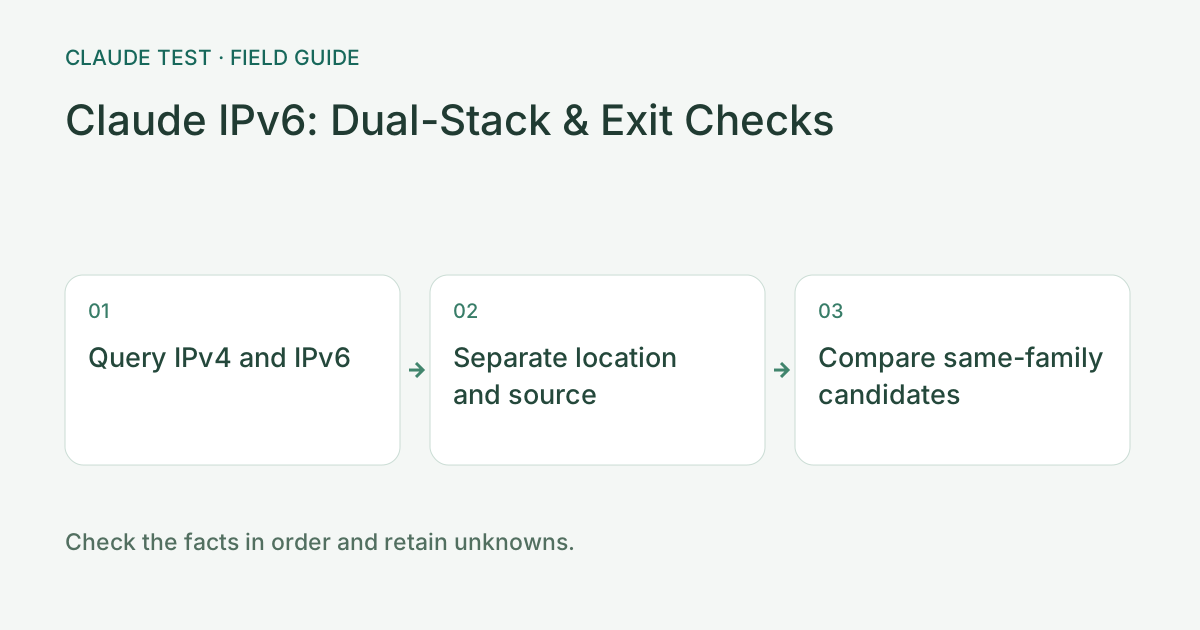
Step 1: Run Dual-Stack Checks Under Comparable Conditions
Run the IPv6 and dual-stack module with both families enabled. Record success, failure, timing, and source separately for IPv4 and IPv6. Repeat with the same browser and network at a similar time; changing Wi-Fi, proxy nodes, or devices requires a new baseline.
IPv6 success means that reference HTTP request obtained an observed IPv6 address. Failure may involve DNS, proxies, routing, browser policy, or endpoint availability; it proves neither that IPv6 is disabled nor that no unmeasured IPv6 traffic exists.
Step 2: Interpret Geolocation and Usage Types by Source
When both families succeed, inspect their country estimates, ASNs, proxy labels, and lookup timestamps separately. Different countries may reflect database or routing differences. Verify addresses and providers first; this does not establish physical relocation or a ban probability.
Keep both results when providers disagree about the same IPv6 address. Missing tags, missing routing records, and failed requests are different states; unavailable data is not filled in as residential, clean, or safe.
Step 3: Compare Exits Within the Same Address Family
Compare WebRTC candidates with HTTP reference exits within the same family: IPv4 with IPv4 and IPv6 with IPv6. An additional public address is evidence of a different observed path in this run; proxy load balancing and address rotation can also cause differences and require configuration checks.
Next inspect fixed targets in the domain split-routing module. Cross-origin failures, challenge pages, or absent trace support remain unconfirmed. Browser probes cannot stand in for SSH, WSL, Claude Code, or every WebSocket connection.
Common Outcomes and a Practical Triage Order
Only IPv4 succeeds: inspect the IPv6 error and proxy support before changing OS protocols. Both succeed with different locations: compare providers for the exact address and inspect the application’s real connection. No WebRTC candidate: record it as unavailable, not as a hidden real address.
After changing DNS, routing, or proxy settings, change one variable and repeat the same probes. If IPv6 times out before a network switch and succeeds afterward, only the changed conditions are established. Simultaneously replacing the client and rules prevents attribution to one setting.
References & Freshness
The above is independent diagnostic guidance with no access to Anthropic internal risk controls. Policies, UIs, and support workflows may change—always verify against official effective dates and your account portal.