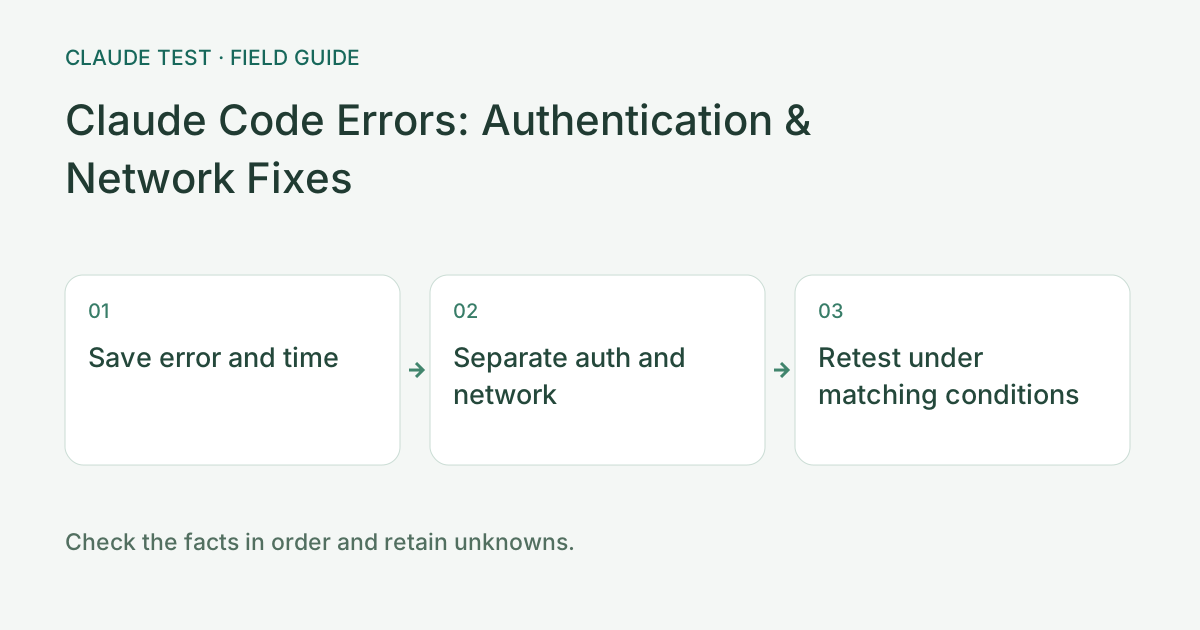
Step 1: Record the Target, Timestamp, and Error Type
First identify whether the failure comes from Claude web, Claude Code, the official API, a proxy, or a third-party platform. Record timestamp and timezone, version, runtime, hostname, and error body. Remove credentials, Authorization headers, billing details, and session content before sharing.
The API status meanings below come from the official API error documentation. Web challenge pages, proxy-generated responses, and third-party status codes may mean something different; identify the responder and body before selecting a remedy.
No HTTP Response: Inspect the Transport Layer First
DNS failures, connection timeouts, resets, and TLS certificate errors often provide no usable target HTTP response. Inspect terminal proxy settings, DNS, certificate chains, and local versus remote runtime before attributing the failure to an account restriction.
When a browser works but a terminal times out, inspect both paths separately. A successful web probe does not rule out CLI networking problems. Verify variables and scope with the proxy guide and repeat from the original terminal without changing several network conditions at once.
401 and 403: Distinguish Authentication, Permission, and Responder
For the official API, 401 indicates authentication trouble and 403 means the key lacks permission for the requested resource. Identify whether the product uses an API key, subscription login, or cloud authentication. Credentials are not interchangeable across these channels; handle suspected exposure in the original official platform.
If the response is an HTML challenge or proxy notice, follow the connection or access explanation from that responder. A lone 403 does not establish a permanent account ban. Explicit account restriction notices belong in the official restriction and appeals workflow.
429 and Server Errors: Avoid Unproductive Retries
Official API 429 responses can involve rate or spending limits, while 529 indicates temporary overload. Read the body and retry guidance: reduce concurrency and use bounded backoff for temporary limits, but inspect usage and budgets for spending caps. Check background jobs and avoid endless retries or account rotation.
For web usage limits, consult that product’s own usage view instead of applying API billing and rate rules. Record server 5xx responses separately from timeouts; the actual response determines whether to retry later or contact support.
Prepare a Redacted Record That Others Can Verify
A useful record identifies the request and time without exposing keys. The blank structure below does not prefill identity, location, or usage claims. Include a request-id only when the actual response provides it; otherwise state that none was supplied.
Repeat the original minimal operation after a change and record whether the error disappears and the intended function completes. If the status changes, classify the new response rather than attributing every difference to IP reputation.
Copyable diagnostic record
Timestamp and timezone: [fill in]
Product / version / runtime: [fill in]
Target hostname and error type: [fill in]
HTTP status and request-id: [only if supplied]
Minimal reproduction: [no credentials]
Single setting changed and retest result: [fill in]References & Freshness
The above is independent diagnostic guidance with no access to Anthropic internal risk controls. Policies, UIs, and support workflows may change—always verify against official effective dates and your account portal.