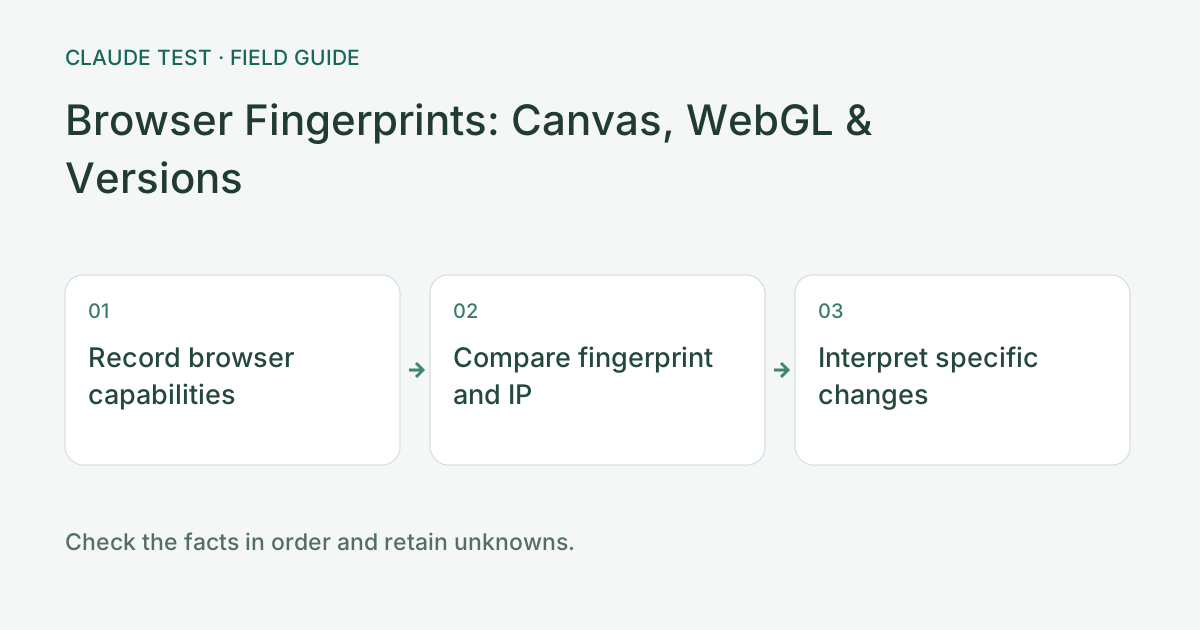
The Scope Is Your Current Browser, Not an Internal Claude Score
Start the browser module to collect capabilities visible in the current page. It does not sign into Claude or read another site’s internal account state. Its fingerprint ID is this tool’s summary of selected signals, not a factory device identifier, globally unique identity, or an Anthropic identifier.
Record the browser version, configuration, and privacy extensions before testing. Changing language, timezone, GPU claims, and extensions simultaneously destroys the baseline and may introduce new inconsistencies.
Read Canvas, WebGL, Audio, and Font Results Separately
Canvas and Audio summaries compare rendering under this tool’s method, while WebGL describes the reported graphics environment. OS updates, drivers, browser versions, fonts, and privacy policies can alter results. Restricted or missing fields mean unavailable in this run, not automatically an abnormal device.
Font probes infer availability from measurements such as text-width differences and can be affected by fallback fonts and measurement error. Chinese or vendor fonts indicate visible capabilities, not physical location, nationality, or a cause of account restriction.
Make Reproducible Comparisons With the Last Three Records
Run twice without changing the browser configuration and compare local summaries and changed fields. For the third run, adjust one setting you actually need to inspect. Up to three records are stored in the current browser; clearing site data or using another profile may remove that baseline.
Demo data does not enter real fingerprint history and is only a UI example. A first record establishes a baseline rather than historical stability. Three equal runs show consistency only for the sampled signals and interval, not permanent stability or immunity from restrictions.
Explain the Source of a Difference Before Changing Settings
If the UA claims macOS while the platform or graphics environment suggests Windows, inspect compatibility modes, remote environments, and UA-changing extensions. One field alone does not prove spoofing; virtualization, remote desktops, and browser protections can alter visible signals.
If only language or timezone differs, identify the source of each setting. Browser language, OS region, IP database estimates, and physical location are distinct. The tool records differences without turning Chinese language or a particular timezone into a ban verdict.
Separate Storage Capability From Login Traces
Cookie and localStorage tests apply only to this site. Claude can have separate cookie, container, or extension policies. The login-trace module requires separate helper authorization; names and flags suggest possible site metadata but do not establish that a session is valid.
When sharing diagnostics, record changed fields and errors while redacting full public addresses, session identifiers, and unrelated software details. Clearing this site’s history establishes a new baseline but does not clear Claude cookies or other sites’ logins.
References & Freshness
The above is independent diagnostic guidance with no access to Anthropic internal risk controls. Policies, UIs, and support workflows may change—always verify against official effective dates and your account portal.