Local OS Probes vs. Remote Web Pages
The local Node server runs fixed read-only Windows commands to check proxy switches, TUN adapters, and matched software names. Remote websites in your browser cannot enumerate your installed software.
Whitelist Matching Only Relevant Network & Automation Names
Only software names matching the network client and browser automation catalog are returned to the page; your full list of personal applications is never exposed.
A Running Process Does Not Prove Traffic Routing
Seeing Clash, sing-box, or WireGuard running (or an active TUN adapter) should be cross-checked with the Domain Split-Routing probe to confirm which exit Claude domains actually take.
Minimal Local Processing Scope
Local OS and software details stay in memory for the current session and are never written to history or uploaded.
Common Real-World Scenario
For example, if an old proxy client is installed in the registry but not running, the table distinguishes "Installed" from "Process Running."
Separate web-visible signals from local configuration
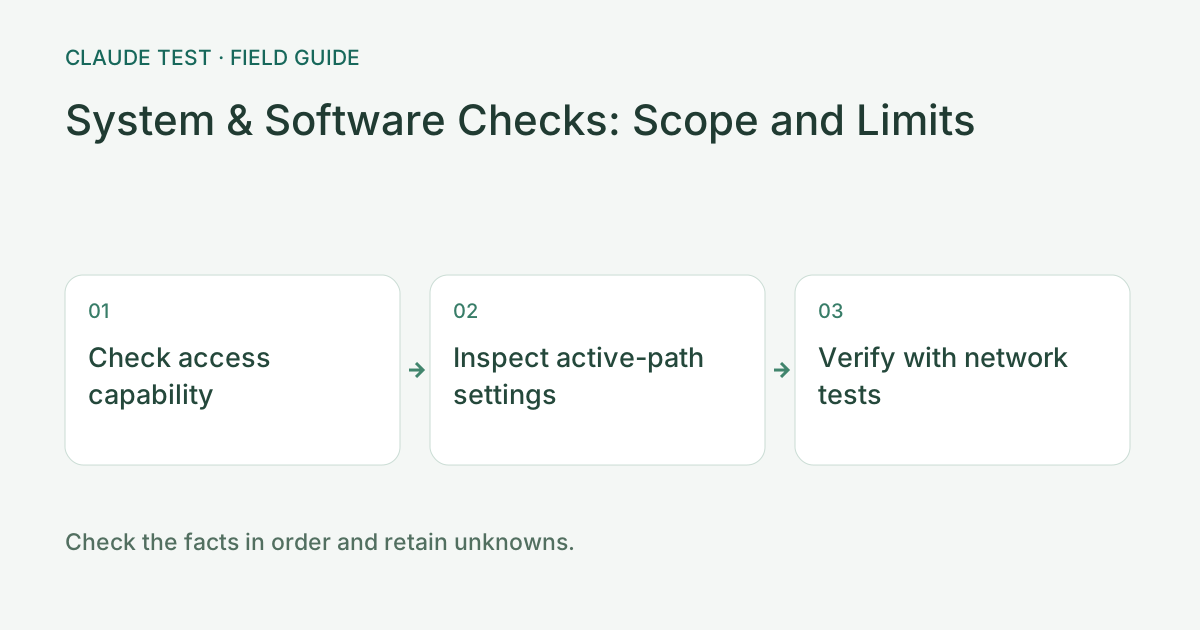
First identify whether you are using the hosted page or an enabled local service. A web page can observe browser, language, timezone, and some graphics signals, but cannot enumerate all installed software or adapters. Browser-helper permissions do not imply full process access. Missing access means unknown, not that software is absent or stopped.
When checking a proxy locally, focus on the running client, TUN, DNS interception, and resolver source. An installed proxy, virtual adapter, or virtual machine is not automatically an issue. Interpret it alongside evidence of the active path and configuration. Similar application names may collide, so verify the process or configuration source.
For example, multiple virtual adapters do not justify uninstalling software when the observed exit and DNS path match expectations. If an active proxy lacks TUN or DNS handling, review each setting against client documentation and rerun the same routing and random-domain tests. Do not upload subscriptions, controller secrets, or an entire software inventory.
References & Freshness
The above is independent diagnostic guidance with no access to Anthropic internal risk controls. Policies, UIs, and support workflows may change—always verify against official effective dates and your account portal.