Language Tags Do Not Prove Physical Location
Browsers send language tags like zh-CN, zh-TW, or en-US for UI localization. Language preferences do not prove physical location, and Chinese locale alone is not an official ban reason.
OS Locale Settings Come from a Separate Source
In local server mode, PowerShell read-only commands inspect Windows UI language, format culture, system locale, and home location—signals that online web pages cannot directly read.
Locale Differences Often Have Normal Explanations
Bilingual users, international travel, or remote work naturally cause differences between OS language, timezone, and exit IP country. We report these as weak environmental cues, not ban verdicts.
Maintain a Consistent and Usable Environment
Keep your OS date, time, and language settings accurate for your daily workflow rather than breaking system locale settings to chase a score.
Common Real-World Scenario
For example, using an English Windows UI with Chinese in your browser language list is a common bilingual setup; the tool simply notes both signals.
Record regional discrepancies before changing settings
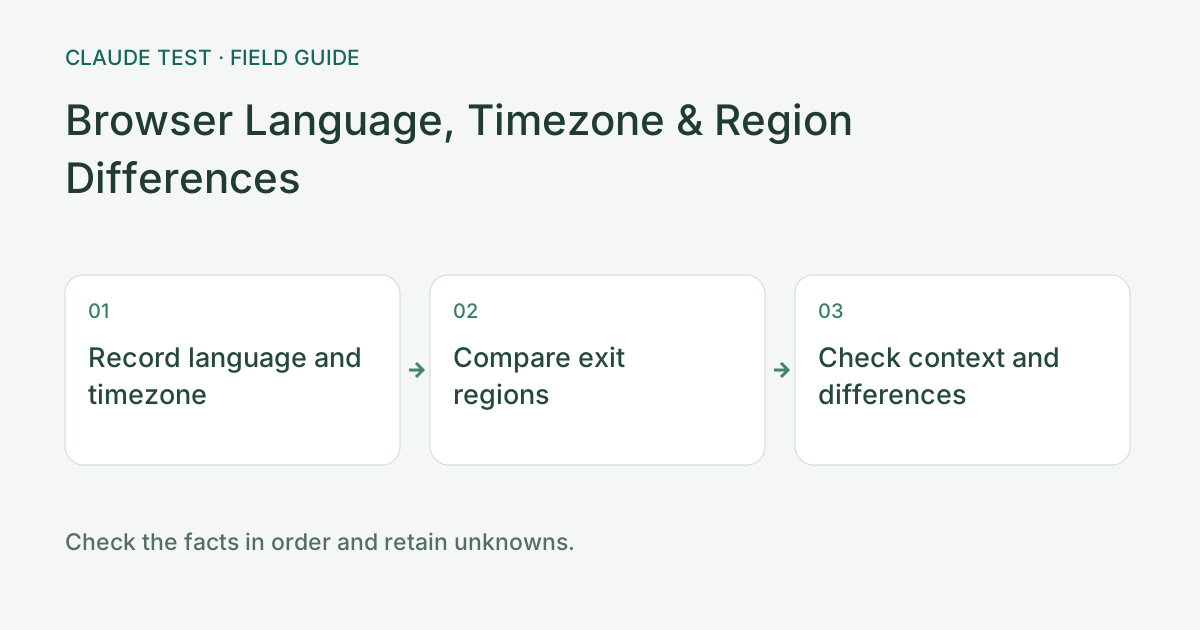
Record browser-language order, device timezone, and UTC offset before comparing IPv4 and IPv6 country estimates. Language expresses a content preference, timezone controls time presentation, and exit location is an IP-data estimate. Travel, remote desktops, and multilingual work can create differences. Establish which settings are intentional before changing them.
This tool assigns five points to Chinese-language and regional signals. A device/exit timezone-offset difference normally adds five points, or ten when associated with a China timezone or exit region. These published local weights prioritize investigation; they are not Anthropic rules and do not establish that multilingual use violates policy.
For example, after travel the device may retain an old timezone while the exit changes. Check whether system time is correct and retest the same browser. Avoid changing language, timezone, fonts, and proxy node together. Verify which discrepancy changed; a lower score does not establish account safety or regional eligibility.
References & Freshness
The above is independent diagnostic guidance with no access to Anthropic internal risk controls. Policies, UIs, and support workflows may change—always verify against official effective dates and your account portal.