Three Types of Location Data Are Not the Same
IP databases estimate network geolocation, Windows home region is a local OS preference, and physical location is where you actually are. Changing a proxy exit or language tag does not turn an OS setting into proof of physical residency.
Reading Region Status in Diagnostics
This tool compares your observed HTTP exit country against the Supported Regions Policy snapshot. "Unconfirmed" means lookup failure or sub-regional ambiguity; a WebRTC candidate alone cannot certify your HTTP exit.
Check Official Eligibility Requirements
The official Supported Regions Policy covers residency and entity requirements. Read the current official policy text rather than assuming an IP lookup showing "US" or "JP" guarantees eligibility.
Handling Geolocation Database Disagreements
The same IP address can show different cities, countries, or coordinates across databases. Confirm you are comparing the exact same IP and address family, and record both provider names.
Common Real-World Scenario
For example, diagnostics can show your OS region and exit IP country side by side, but cannot certify legal residency eligibility.
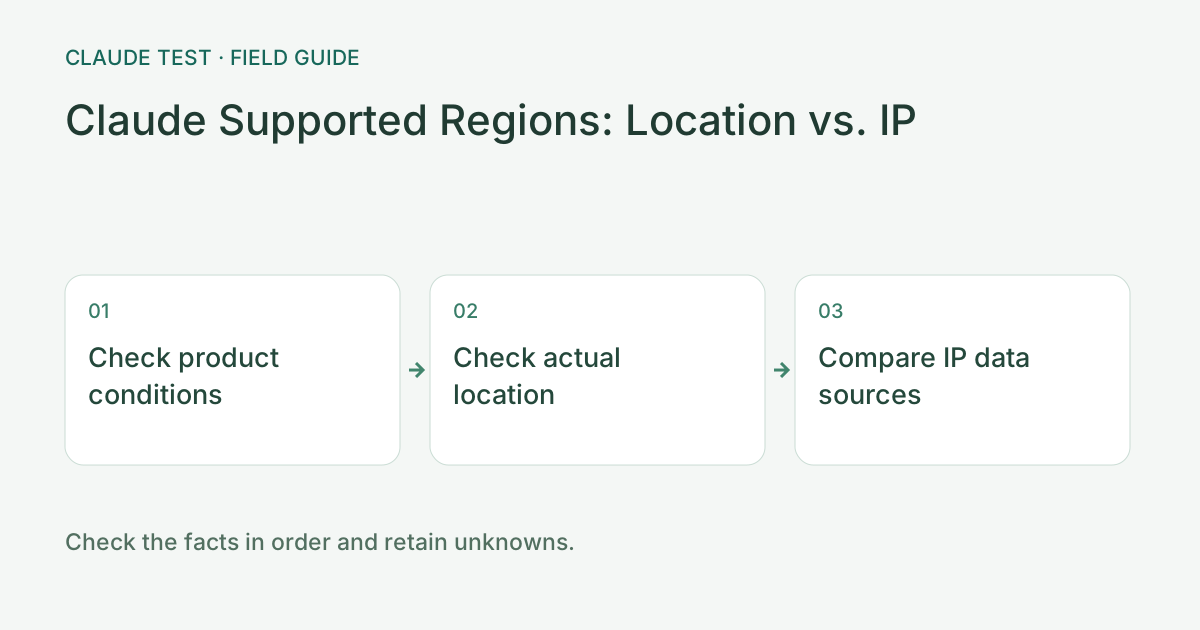
Check the product, actual location, and IP data source
Identify the product and provider before checking its official regional-availability page. The web app, API, and cloud-platform integrations can have different conditions. One list does not establish eligibility for every product. Record the review date and effective date, and distinguish current provisions from announced future changes.
Record the country, ASN, provider, and time for both IPv4 and IPv6 in the IP and dual-stack tools. If providers disagree, first verify that they queried the same address. Compare address families separately, and keep ASN registration country distinct from estimated IP location. Do not select whichever result appears more favorable.
For example, a China-associated device timezone and an overseas IP estimate can produce a scored discrepancy. This does not establish where the person is or replace an eligibility check. If the actual location or intended use is outside the service scope, investigate officially available options rather than treating changed device settings as proof of eligibility.
References & Freshness
The above is independent diagnostic guidance with no access to Anthropic internal risk controls. Policies, UIs, and support workflows may change—always verify against official effective dates and your account portal.