Keep Credentials Strictly on Official Anthropic Domains
A legitimate diagnostic tool never asks for your password, magic login link, verification code, Cookie value (such as sessionKey), or API key.
Secure Your Account Email and Recovery Access
Ensure you maintain full access to the email address linked to your Claude account so you can receive official security or appeal notifications.
Review Browser Extension Host Permissions Carefully
Our optional Browser Helper separates network trace permissions from cookie metadata permissions and uses a strict property whitelist that drops cookie values.
Preserve Evidence If You Suspect Unauthorized Access
If you notice unexpected usage or login alerts, revoke active sessions in your official account settings and contact official support.
Common Real-World Scenario
For example, any third-party site asking you to paste your sessionKey cookie value can hijack your account session; never share raw cookie values.
Review permissions and minimize shared information
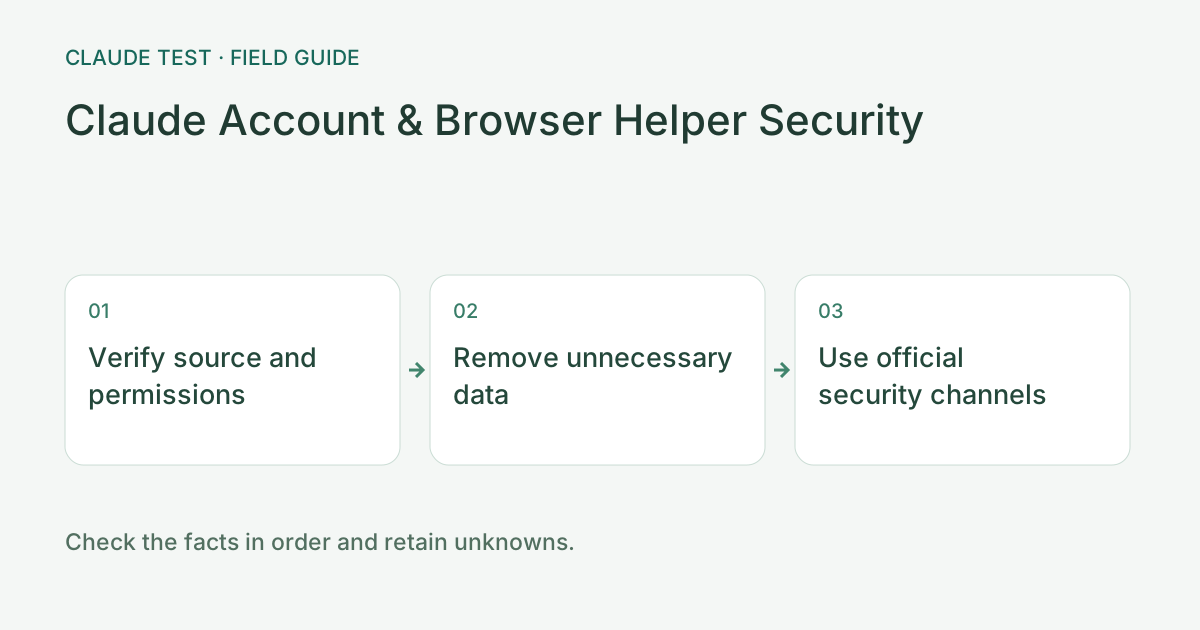
Before installing a helper, verify its source, version, and requested site permissions. A familiar icon or design is not sufficient evidence. Close unrelated pages before a scoped check. Environment diagnostics do not require a Claude password, verification code, API key, full cookies, or conversation export.
When reporting an issue, retain only the destination, time, error, and relevant classification. Redact full public addresses, email addresses, identifying ticket information, and identifiers embedded in marker names. If a network provider needs a full IP, send it separately through a verified support channel.
If credentials were already submitted to a suspicious page, address account and credential security through the official service rather than merely clearing diagnostic history. Retain the suspicious domain and time, but do not resubmit the secret to test whether it leaked. Deleting local history changes only the data stored by this browser.
References & Freshness
The above is independent diagnostic guidance with no access to Anthropic internal risk controls. Policies, UIs, and support workflows may change—always verify against official effective dates and your account portal.