Use Proper Access Mechanisms for Individuals, Teams, and Apps
Use Team/Enterprise seats for workplace collaboration and API keys for programmatic apps rather than sharing a single personal web login across multiple people.
Shared Credentials Create Security and Audit Blind Spots
Sharing a single account across multiple users or locations rapidly creates conflicting IP, timezone, and device signals and makes usage auditing impossible.
Anti-Detect Profiles Do Not Legalize Account Sharing
Browser profile isolation separates local cookies but does not make credential sharing compliant with Terms of Service.
Clarify Workspace Admin vs. Individual Account Scope
When troubleshooting team workspace issues, have the workspace administrator contact official support without collecting coworkers’ personal session tokens.
Common Real-World Scenario
For example, teams needing shared access should provision official Team seats rather than distributing one personal login across anti-detect browsers.
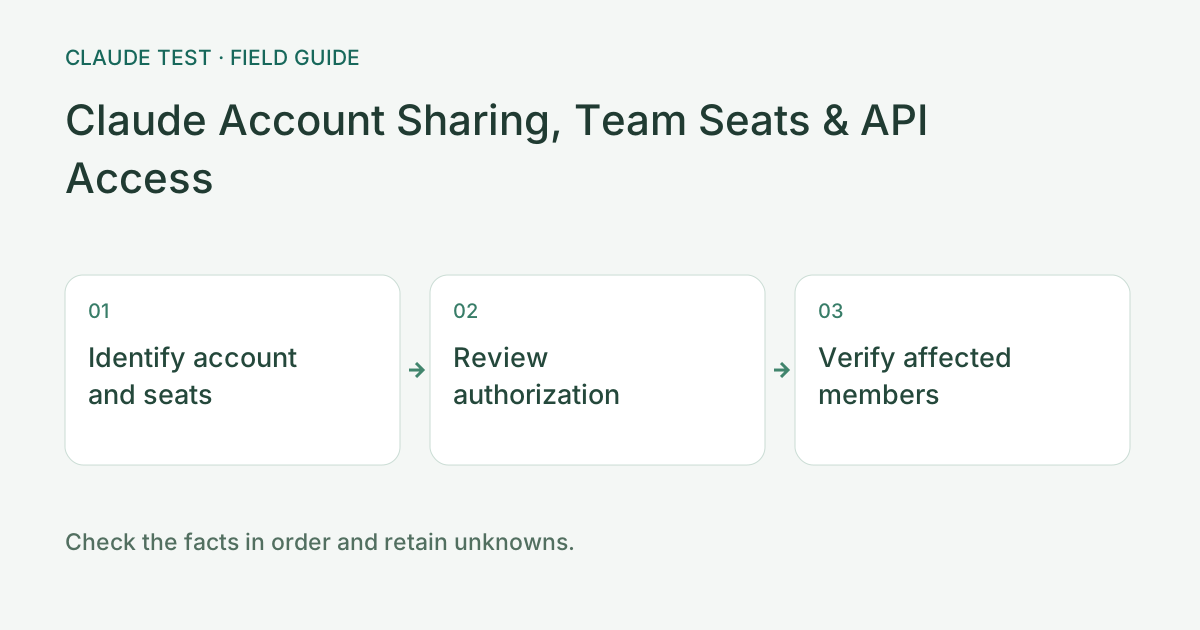
Identify ownership of logins, seats, and API access
Identify whether access uses a personal account, an organization seat, or an API-backed application. Check the current product terms and administrator settings. Payment alone does not establish that sharing a login is permitted. Use an applicable collaboration mechanism instead of forwarding personal session credentials.
For example, two people using one browser through remote desktop may produce a single observed device and exit, but that does not establish whether the arrangement complies with terms. Conversely, two exits during travel do not prove account sharing. Assess environment evidence separately from account authorization.
For team access problems, have the administrator review seats, workspace access, and billing before collecting affected members' errors. Do not gather passwords, cookies, or API credentials in a public report. After a change, verify the relevant member's authorized access rather than assuming that an administrator's successful login represents everyone.
References & Freshness
The above is independent diagnostic guidance with no access to Anthropic internal risk controls. Policies, UIs, and support workflows may change—always verify against official effective dates and your account portal.