Rate Limit Banners Are Distinct from Account Suspensions
Reaching a 5-hour message cap or API tokens-per-minute limit is a temporary quota boundary with a reset time—not an account ban.
Token Consumption Depends on Context Length and Attachments
Long conversation histories, large file uploads, and agentic tool loops consume significantly more quota per message than short prompts.
Check Background Scripts and Automated Retries
If quota drains unexpectedly fast, check whether an IDE plugin, MCP tool, or script is running background requests or retry loops.
Avoid Multi-Account Evasion When Hitting Rate Limits
Use official plan upgrades or API tier increases when you need higher throughput rather than rotating multiple accounts on the same device.
Common Real-World Scenario
For example, if your quota continues to drop after closing the browser, check active API keys or CLI background tasks.
Distinguish reset waits, rate limits, and appeals
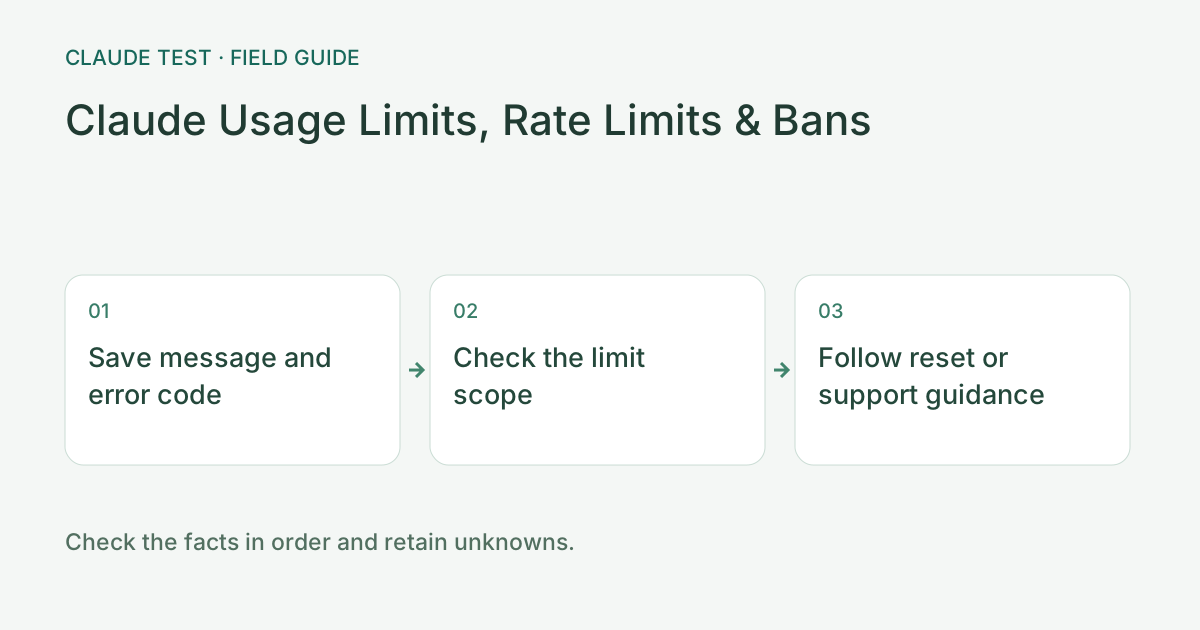
Record the error code, complete message, product, and timestamp. A web usage notice, an API 429, a timeout, and an explicit restriction notice are different events. If a reset time is shown, check its timezone and scope. A working web page does not establish that API or organization limits have reset.
For rate limiting, inspect concurrency, retry frequency, and any retry guidance in the response. Immediate repeated retries may continue hitting the limit. Remove Authorization headers and API keys from logs. Investigate DNS and connectivity separately for network failures rather than assuming a timeout means quota exhaustion.
For example, if an operation still fails after the stated reset, capture the new error rather than reusing an old screenshot. An authentication error calls for reviewing the relevant account or credential permissions; a restriction notice calls for the official process. An environment score does not reset subscription usage, API limits, or organization permissions.
References & Freshness
The above is independent diagnostic guidance with no access to Anthropic internal risk controls. Policies, UIs, and support workflows may change—always verify against official effective dates and your account portal.