Confirm Recovery by Testing Actual Product Access
An official appeal resolution email and successful sign-in to Claude are the true confirmation of account recovery—not a diagnostic page status.
Re-test on the Exact Device and Path Where the Issue Occurred
Verify connectivity in the same browser profile or terminal environment you plan to use going forward.
Change One Configuration Variable at a Time
If split-routing or dual-stack differences remain, adjust one proxy or DNS rule at a time and re-verify.
Clean Up Temporary Diagnostic Permissions and History
Once your troubleshooting is complete, you can revoke optional Browser Helper permissions and clear local diagnostic history in one click.
Common Real-World Scenario
For example, if web chat is restored but your remote CLI still fails to connect, troubleshoot the remote server’s proxy configuration separately.
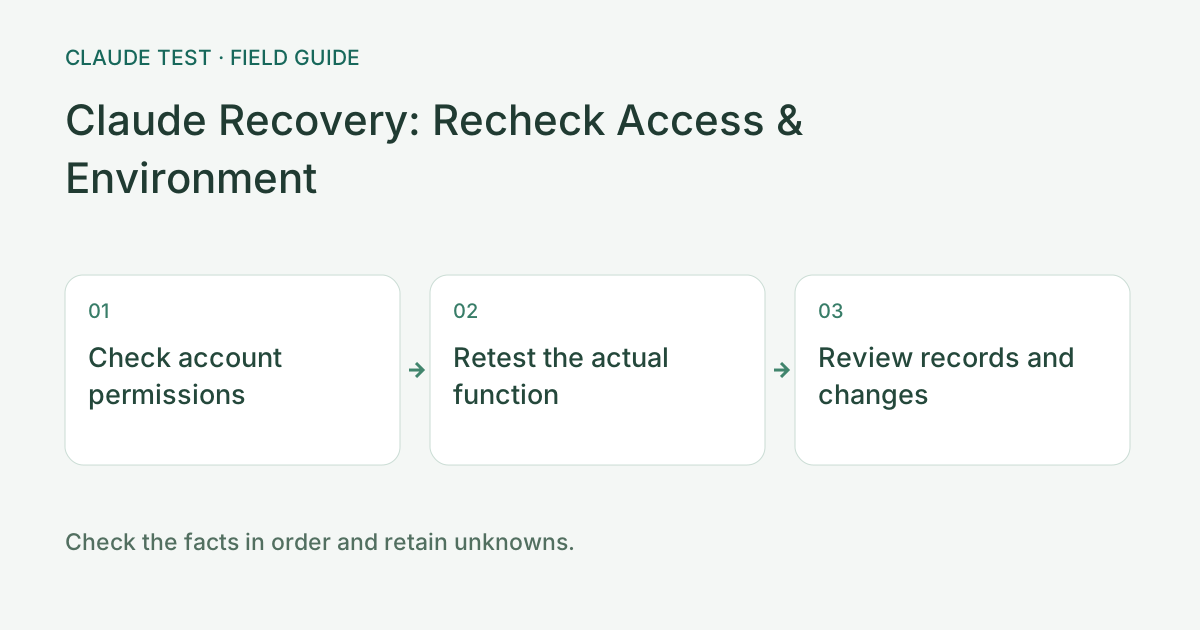
Retest permissions, connectivity, and records in order
Check the official response and visible account status, then retry the function that originally failed. Opening a login page does not establish access to chat, the API, or organization resources. Recovery in one product does not imply recovery in another. Record the relevant account scope and actual function result.
Next run the diagnostics relevant to the original failure under comparable browser, exit, destination, and timing conditions. Compare specific findings and raw statuses, not only the total score. If the network, client, and device all changed, state that conditions differ instead of attributing improvement to one setting.
Afterward, retain the necessary timeline and decision record and remove unneeded local history and full IPs from public screenshots. Deleting this tool's records does not alter an official case. If a similar error recurs, record its new occurrence and relate it to the earlier case without assuming that the cause is identical.
References & Freshness
The above is independent diagnostic guidance with no access to Anthropic internal risk controls. Policies, UIs, and support workflows may change—always verify against official effective dates and your account portal.