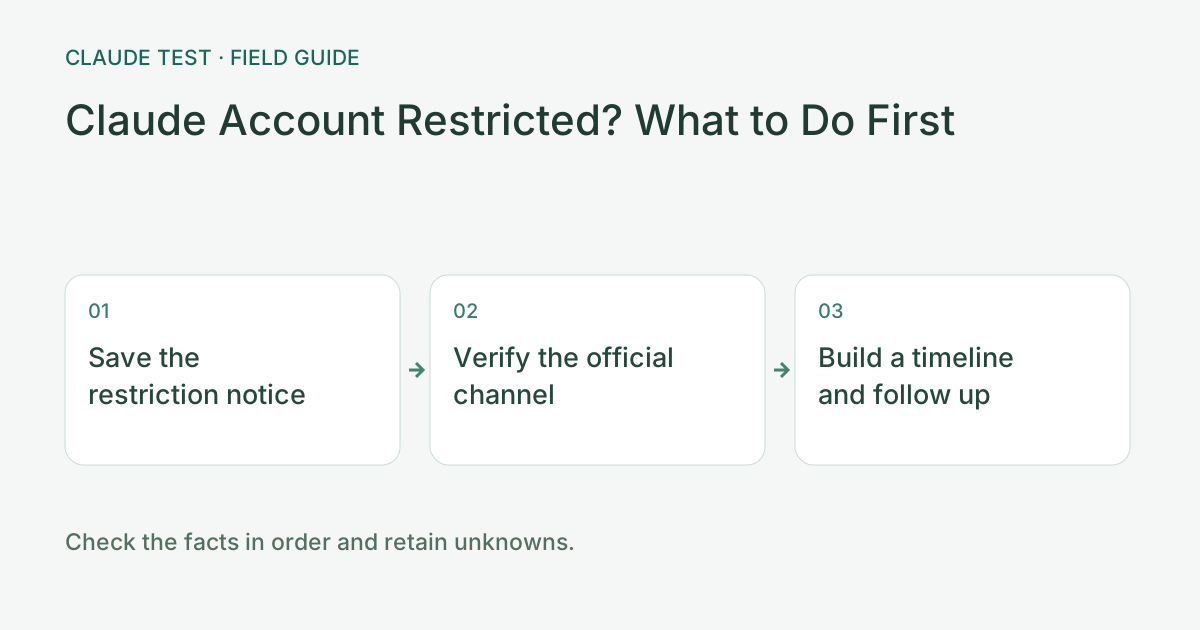
Preserve the Exact Notice Instead of Guessing
Save the exact restriction message, timestamp, and affected workspace or personal account. Do not assume an IP flag is the sole reason for an internal policy action.
Follow the Official Appeal Link in the Notice
Use the official Safeguards, Warnings, and Appeals workflow provided by Anthropic for your specific restriction type.
State Reproducible Technical Facts Separately
If you are also experiencing network routing issues, state objective facts (such as when a domain connection failed) rather than claiming a third-party tool "proves" a false positive.
Avoid Making Chaotic Changes Before Documenting Context
Document your current environment and timeline before changing proxy configurations or creating new accounts.
Common Real-World Scenario
For example, if an organization workspace is paused while your personal login still works, the organization admin must follow the workspace review process.
Create a focused restriction-handling record
Save the notice, affected account or organization scope, first occurrence time, and product. Check for a stated action channel and compare the official restriction guidance. Classify timeouts, challenge pages, and usage notices separately rather than rewriting every access failure as an account ban for an appeal.
If networking also fails, add a separate technical timeline stating the destination, execution context, time, and error. Describe observable facts without claiming that this tool proves a provider mistake. State the specific decision you want reviewed rather than inferring an internal reason from an IP classification.
Retain the case and responses and add new facts to the same thread. Preserve original records while waiting. Do not present timezone changes, fingerprint cleanup, or a different exit as officially guaranteed recovery conditions. Verify the decision and actual product permissions separately; a successful browser probe does not establish account restoration.
References & Freshness
The above is independent diagnostic guidance with no access to Anthropic internal risk controls. Policies, UIs, and support workflows may change—always verify against official effective dates and your account portal.