Separate Physical Location from Network Geolocation
Distinguish your physical residency and organization jurisdiction from the geolocation of your network exit IP.
Start With the Official Supported Regions List
Review Anthropic’s official Supported Regions Policy and terms for each product tier rather than relying on informal workarounds.
Build Sustainable, Compliant Workflows
If direct access is unavailable in your jurisdiction, evaluate officially supported regional cloud platforms, authorized enterprise gateways, or local open-weight models.
Keep Local Backups of Your Prompts and Artifacts
Maintain regular local backups of your important code, prompts, and documentation, and never buy or sell third-party account credentials.
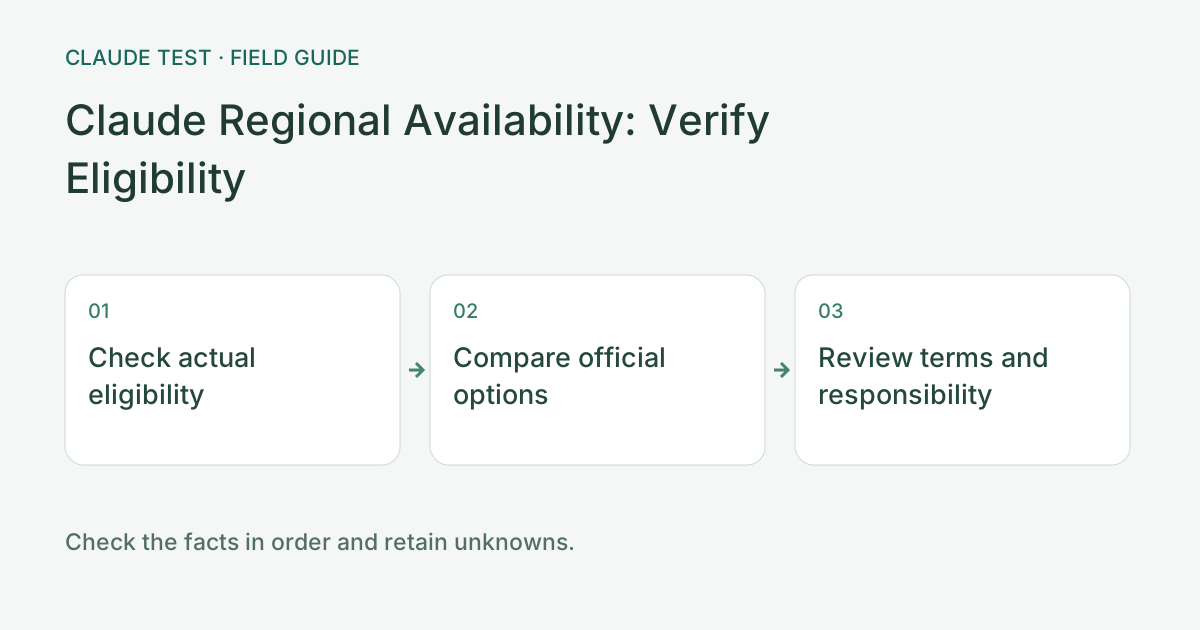
Check availability before comparing official options
Review official guidance for the actual location, product, and provider, distinguishing personal, organization, and cloud-platform conditions. A reachable page, successful payment, or overseas IP estimate does not by itself establish eligibility. Retain sources and dates when availability lists change rather than relying on an outdated screenshot.
If the intended use is outside the applicable scope, compare other officially available products, authorized channels, or suitable alternatives. Review data handling, functionality, billing, and support responsibility. Similar branding does not establish an official offering, and changed device language or timezone does not change regional eligibility.
For example, a model offered through a cloud platform must be evaluated under that platform's regional and account conditions, including whether the needed model and interface are actually available. Keep the provider, support channel, and fee terms distinct. Environment diagnostics check connectivity rather than determining contractual availability or authorization.
References & Freshness
The above is independent diagnostic guidance with no access to Anthropic internal risk controls. Policies, UIs, and support workflows may change—always verify against official effective dates and your account portal.