Record the Exact Payment Prompt and Bank Status
Distinguish between an inline checkout decline, a pending bank authorization hold, and an active subscription entitlement.
Avoid Rapidly Rotating Cards, IPs, and Accounts
Repeatedly retrying failed checkouts across multiple cards and proxy nodes in quick succession often triggers automated payment fraud blocks.
Checkout Declines Are Not Solved by IP Scores Alone
Card issuer policies, 3D Secure verification, and billing address matching are handled by payment processors and cannot be predicted by an IP lookup.
Contact the Appropriate Billing or Support Channel
Contact your card issuer for bank declines, Apple/Google for mobile store billing, or official Claude billing support for web charges.
Common Real-World Scenario
For example, if your bank shows a pending charge after a checkout error, verify whether it is an authorization hold before retrying on another IP.
Investigate payment, entitlement, and access separately
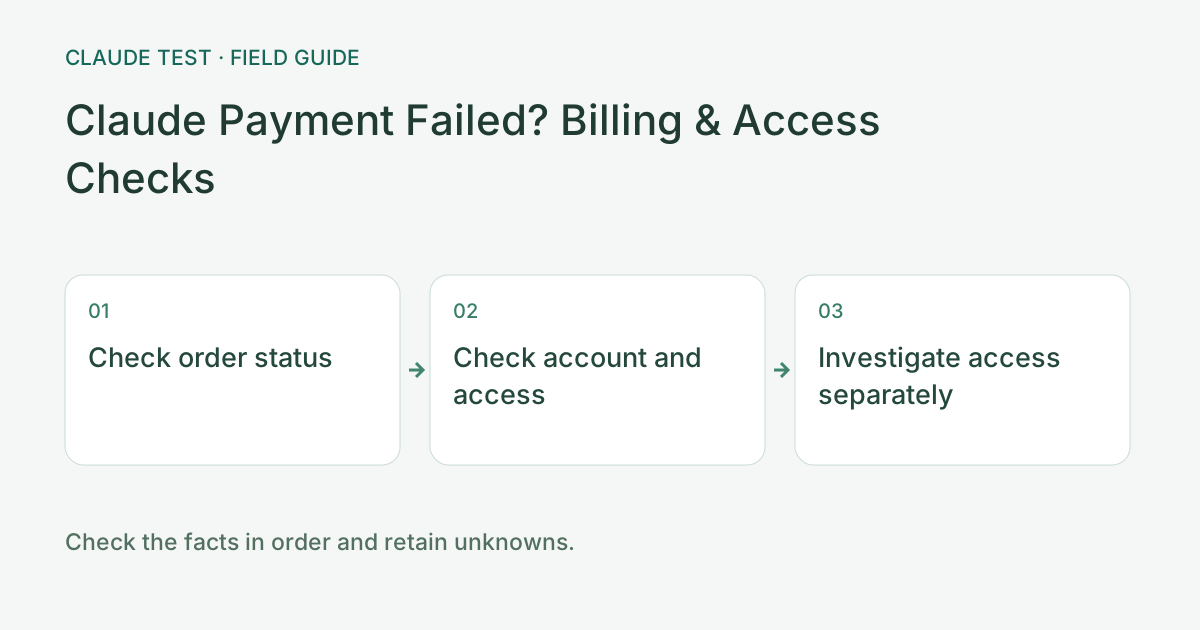
Check the payment platform's order status first: failed, pending, completed, or reversed. Bank authorization, a settled charge, and subscription entitlement are different states. Use the platform order and receipt as evidence. Avoid repeated payments merely to test the status; retain the current transaction time and visible error.
If an order completed but access is missing, compare the signed-in account with the receipt and follow the original platform's guidance. If entitlement exists but requests time out, investigate networking. Handle an explicit account restriction separately. A network diagnostic score cannot explain a payment provider's decision to decline a transaction.
When contacting support, provide the product, channel, time, error summary, and redacted order reference. Remove card details, billing addresses, and unnecessary identity information. After a reply, check restored access, any refund, and renewal status separately. Success in one of those steps does not establish that all have completed.
References & Freshness
The above is independent diagnostic guidance with no access to Anthropic internal risk controls. Policies, UIs, and support workflows may change—always verify against official effective dates and your account portal.