Start With Your Original Payment Platform
Refund eligibility and submission portals depend on whether you paid via Claude web, Apple App Store, or Google Play, as well as regional consumer laws.
Submit Order Details Only to Official Billing Support
Prepare your invoice number, charge date, and account email for official support, and redact sensitive financial details anywhere else.
Track Your Support Ticket and Refund Status
Keep your ticket reference and follow up in the same official thread rather than opening duplicate requests.
Verify Auto-Renewal Status Alongside Your Refund Request
Confirm in your billing portal that future auto-renewal is also canceled so you are not billed again in the next cycle.
Common Real-World Scenario
For example, submitting a refund form may not automatically toggle off recurring billing in an app store—verify both states separately.
Prepare a request and track each stage
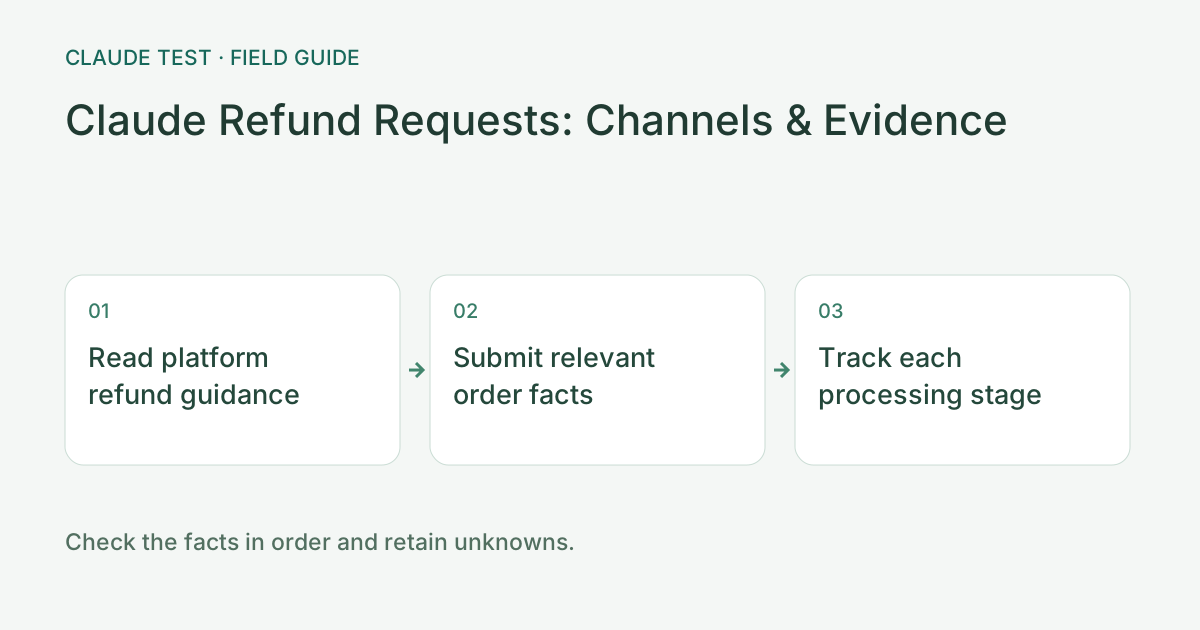
Identify the original purchase platform from the receipt and read its current refund guidance. Eligibility, time limits, exceptions, and settlement can differ by channel and circumstances. This tool cannot promise approval. Organize the purchase time, issue timeline, order reference, and requested resolution before applying.
Submit facts relevant to the order and issue, attaching only what the official process requests. Browser history, cookies, and a software inventory are not payment evidence. Describe duplicate charges, missing access, or accidental purchases according to what actually happened rather than copying someone else's reason or outcome.
Track submitted, under review, approved, processed, and received as separate stages. Check automatic renewal independently while a refund is pending; a request receipt does not stop future charges. Follow up using the existing case or original platform record with dates and statuses rather than creating inconsistent duplicate requests.
References & Freshness
The above is independent diagnostic guidance with no access to Anthropic internal risk controls. Policies, UIs, and support workflows may change—always verify against official effective dates and your account portal.